QR Code
|
Service Portal
From October 1st, 2023, with the purchase of new Italy liferafts, you will find a QR Code inside the box that allows you to access the dedicated service portal area and download your liferaft’s identification certificate.
You will also be able to submit a servicing request and download the servicing certificate.
Portal Registration & Identification Card
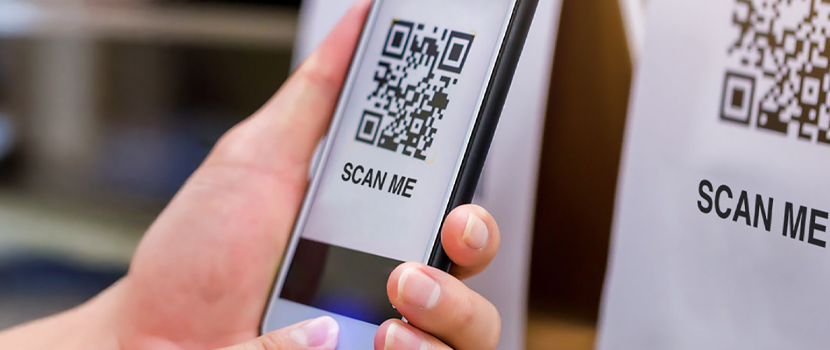
Scan the QR code inside the document using a device equipped with a camera (smartphone or tablet, iOS / Android).
Once scanned, you will be automatically redirected to a page of our service portal
To continue the registration of your purchased liferaft:
Once you click “Register”, a new page will open where you can choose between “I have a serial number” or “I do not have a serial number”.
In both cases, you will need to fill in all the required fields to proceed with the registration.
The email address you choose will be used as your username to access the portal.
A system-generated password will be sent to the provided email address, which can later be changed in the “Profile” section.
To complete the registration process, click the “Confirm” button.
Log in to the portal and go to the “Leisure Liferafts” menu.
Search for the previously registered liferaft and click either “Download Identification Card” or “Servicing Certificate” to download the document.
.
Servicing request
Access the Service Portal or complete the registration by following the “Portal Registration” steps.
Submit the service request: go to the “Servicing” menu and click on “Create new service request”.
Then select the liferaft to be serviced.
Confirm service request: enter your billing details, choose the payment method, and indicate the shipping address or collection at Eurovinil headquarters.
Click “Submit service request” to confirm the request.
You will receive the request code at your email address (username).
It is necessary to write the service request number generated by the portal on the liferaft, for example: “Service Request No. XXXX”.
.
Do you need assistance?

Contact our customer service team for support